
Website header: what it is, how to create one, its elements, and examples.
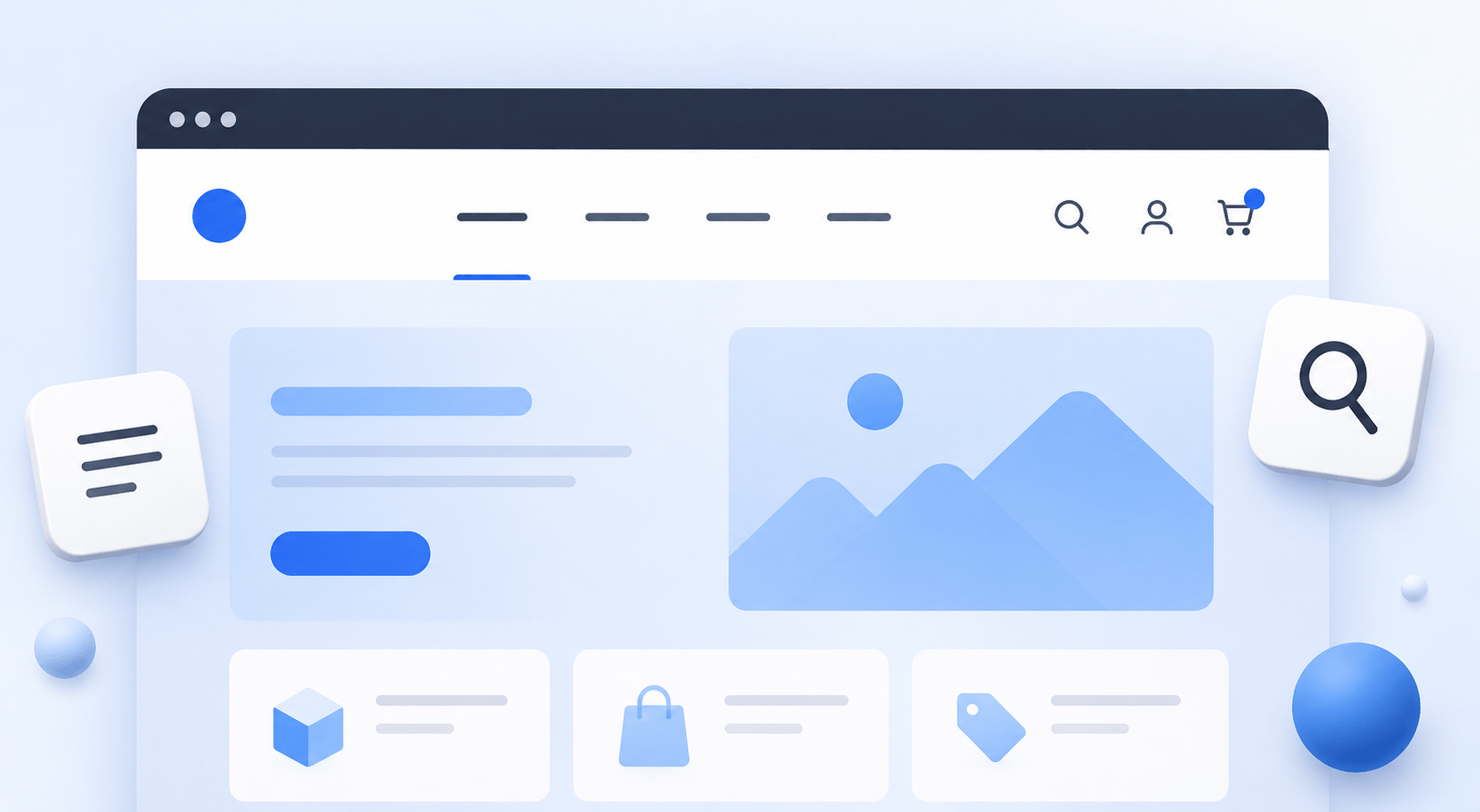
Website header (header) is the top part of a webpage that users see immediately after loading. It creates the first impression, helps with orientation, and allows users to quickly navigate to the necessary sections. The header is especially important for e-commerce websites, where navigation convenience directly affects conversion.
What is a website header
A website header is a permanent block that appears on all pages. It contains the main navigation and identity elements, helping users understand where they are and what actions they can take.
If you plan to create a website header, it is important to consider not only its visual appearance but also user behavior. A good header does not distract — it subtly guides the user.
What elements a header includes
The set of elements may vary, but in most cases the structure is similar. The logo is usually placed in the header first — it serves as a brand identifier and typically links to the homepage. Next comes the navigation menu, which allows users to move between main sections of the site.
For e-commerce websites, a search bar is almost always included, as it is one of the fastest ways to find a product. Contact information or a contact button is also often added, along with login access to a personal account. Another essential element is the shopping cart, without which a full e-commerce header is impossible.
Sometimes additional elements are included, such as location selection, language switcher, or social media icons. However, it is important not to overload the interface, as too many elements reduce usability.
Types of website header design
Header design can vary greatly depending on the project goals. The classic layout places the logo on the left and the menu either in the center or on the right. This format is familiar to users and easy to understand.
A more modern approach is minimalism, where only the most important elements remain. Such a header looks clean and does not distract from the main content. In e-commerce projects, a fixed (sticky) header is often used so that navigation and the cart are always accessible while scrolling.
Complex websites may use multi-level menus with dropdown categories. This is useful for large product catalogs but requires careful implementation.
Principles of creating a header
To create an effective website header, it is important to balance design and usability (UI/UX design). Users should understand within seconds how the site is structured and where to click.
A good header is always simple and logical. It contains no random elements, and every block serves a clear purpose. Contrast should be carefully designed so that key actions — such as going to the catalog or cart — are clearly visible.
Responsiveness is also crucial. Today, most traffic comes from mobile devices, so the header must adapt properly to different screen sizes.
Common mistakes when creating a header
One of the most common issues is overload. When there are too many elements in the header, users get confused and do not know where to look. Another serious problem is unclear navigation, especially when categories are named poorly.
In e-commerce, a major mistake is missing search functionality or a poorly visible shopping cart. Readability issues are also common, such as small fonts or low contrast.
Another frequent issue is the lack of a mobile version. Even if the desktop version looks perfect, it may become unusable on mobile devices and reduce conversions.
Key examples
A good website header is clean and intuitive, containing a logo, clear navigation, a search bar, and quick access to key functions. Users should not think about how the interface works — they should simply use it.
A website header is not just a design element but a core part of the overall structure. It directly affects whether a user stays on the site and completes a desired action.
If you want to build an e-commerce website with a well-structured architecture, including a properly designed header and more, you can contact Ewonta. We offer ready-made online stores and mobile applications for rent.
With over 10 years of experience in e-commerce, Ewonta creates projects that truly work.